10 Tiny Text Tools Writers Use Every Day to Save Hours (Most Are Free)
Big writing suites are heavy. Micro-tools are the secret sauce for moving faster without bloat. Here are ten categories writers love, with quick examples and where TiniText fits.
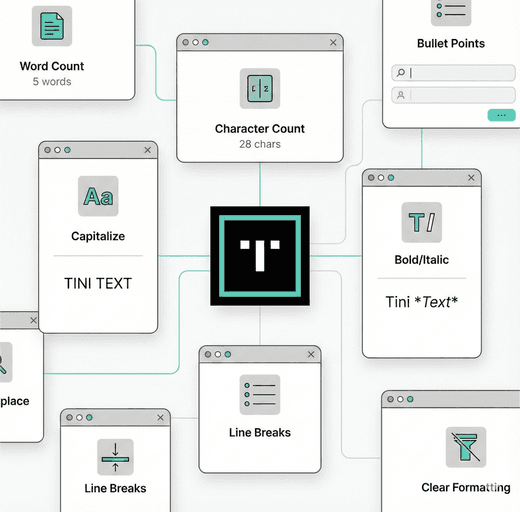
1) Word & character counters
- Problem: You need a limit for socials, ads, emails.
- Tools: TiniText Word Counter, built-in counts in Google Docs or Notion.
- Use it: Paste, check length and reading time, trim before publishing.
2) Grammar and clarity
- Problem: Fast typo catch, tone checks.
- Tools: Grammarly, ProWritingAid, LanguageTool.
- Use it: Draft, then run a quick pass. If you paste between tools, clean first with TiniText Text Cleaner.
3) Distraction-free editors
- Problem: Too many tabs, zero focus.
- Tools: iA Writer, Obsidian, Notion focus mode, VS Code zen mode.
- Use it: Draft in peace, then move to TiniText for micro-utilities.
4) Text cleaners
- Problem: Messy paste from chats, PDFs, email.
- Tools: TiniText Text Cleaner, Remove Line Breaks.
- Use it: Clean first, then paste into your CMS.
5) Diff and compare
- Problem: Track what changed between drafts.
- Tools: TiniText Text Diff, Google Docs suggestion mode.
- Use it: Paste old vs new, scan highlights, copy the merged output.
6) Case converters
- Problem: Title case and sentence case mistakes.
- Tools: TiniText Case Converter, online title case checkers.
- Use it: Fix headlines and subheadings in one click.
7) Snippet expanders
- Problem: Repetitive phrases and templates.
- Tools: TextExpander, Raycast snippets, espanso.
- Use it: Store intros/outros, pair with TiniText to clean the pasted results.
8) Clipboard managers
- Problem: Losing copied snippets.
- Tools: Paste (macOS), ClipClip (Windows), built-in clipboard history.
- Use it: Grab multiple snippets, then batch clean with TiniText.
9) Paste-as-plain-text helpers
- Problem: Unwanted formatting.
- Tools: System shortcuts (Shift+Cmd+V / Shift+Ctrl+V), browser extensions.
- Use it: Strip styling, then tidy with Text Cleaner.
10) Quick encoders
- Problem: URLs or Base64 strings in docs or CMS fields.
- Tools: TiniText URL Encode/Decode and Base64 Encode/Decode.
- Use it: Encode only the piece you need; decode to verify what’s inside.
Tip: Keep one “micro-tool” tab open—TiniText covers cleaning, counting, diffing, casing, and small encoding tasks in seconds.
Build your own micro-stack
- Draft: Notion or iA Writer.
- Polish: Grammarly or LanguageTool.
- Quick fixes: TiniText (clean, count, diff, case).
- Ship: CMS or email tool of choice.